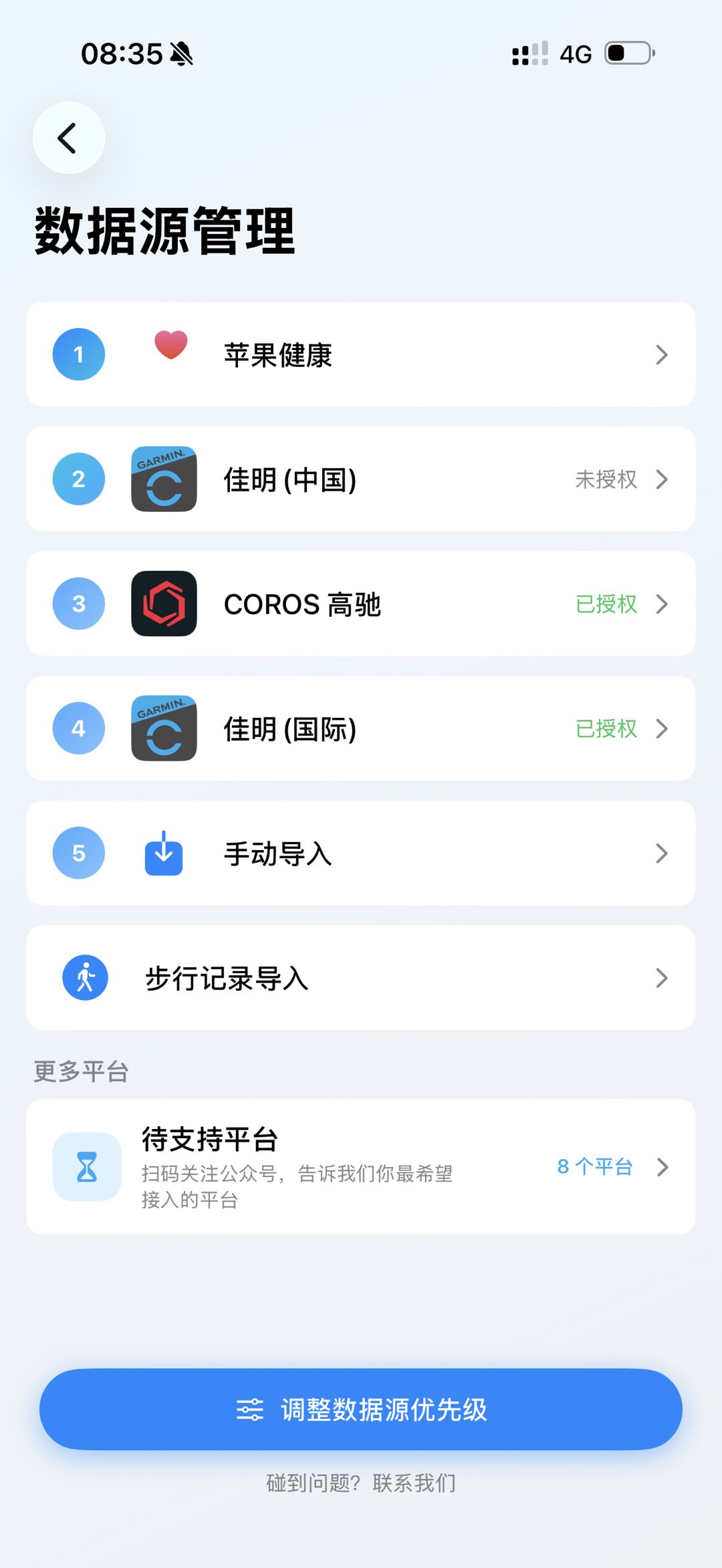
Fast troubleshooting order
Confirm that the activity exists in the original platform, check authorization and permissions, refresh RunYay, then compare a representative record field by field.
- Garmin and COROS: verify account and authorization
- Apple Health: verify data-type permissions
- FIT: keep the original file and check its format
- MCP: start with a read-only tool test
When contacting support
Include your RunYay platform and version, device or data-source name, approximate activity date, expected result and actual result. Never send passwords or live access keys.
How to start
Choose the relevant guide
Collect non-sensitive diagnostic details
Contact RunYay if the issue remains
Before you use it
Third-party service outages and account-region restrictions may require the platform provider to restore service.
Frequently asked questions
Where is the MCP guide?
Use the official RunYay MCP page linked below.
How do I contact support?
Email contact@yayarun.cn or use the Chinese contact page.
Make the next run easier to understand
Bring your records together, review what changed, and choose the next useful step.
Download RunYay