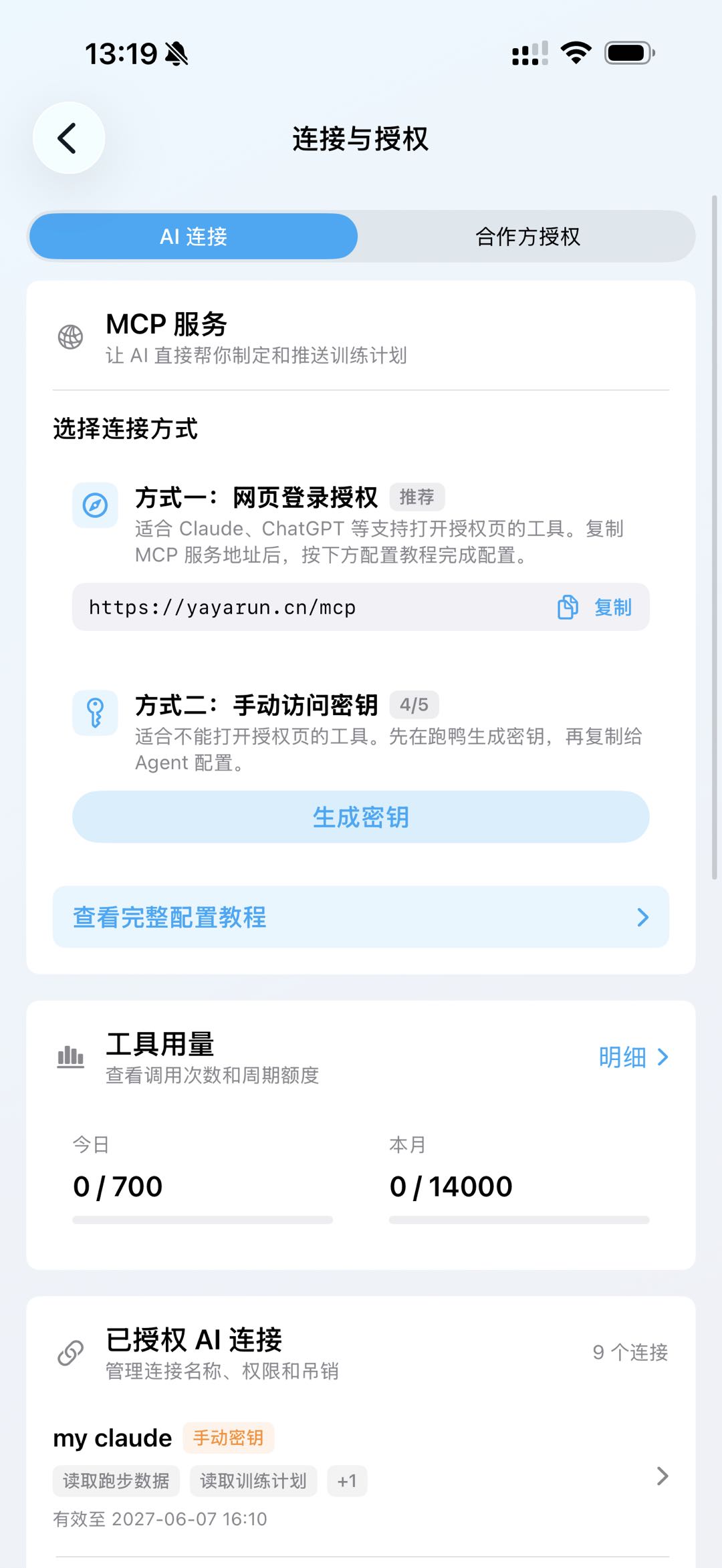
MCP server URL
Use this address when your AI app asks for the RunYay MCP server.
https://yayarun.cn/mcpShow a manual access-key example
{
  "mcpServers": {
    "runyay": {
      "url": "https://yayarun.cn/mcp",
      "headers": {
        "Authorization": "Bearer YOUR_ACCESS_KEY"
      }
    }
  }
}
Why connect your running data
Without a connection, AI only knows the details you paste into chat. Once authorized, it can use selected RunYay records and clearly point out missing data.
- Review recent runs and weekly totals
- Compare pace, heart rate, power and running ability
- Prepare a training plan for you to review
Keep access under your control
Use the authorization page when available. If your AI app cannot open it, RunYay can create a separate access key. Keep that key private and delete it when you stop using the connection.
Copyable prompt
Read only my latest three runs: date, distance, duration and average heart rate. Do not create or change a training plan. Clearly mark any missing data.How to start
Open AI tool connection in RunYay
Connect ChatGPT, Claude, or another supported AI app
Test with a few runs before requesting a full analysis
Before you use it
Supported AI apps and connection options may change. AI can still make mistakes, so check dates, weekly distance and workout intensity before saving a plan.
Frequently asked questions
Does this share my RunYay password?
No. Use the RunYay authorization page or a separate access key. Never give an AI app your RunYay password.
Can I disconnect it?
Yes. Remove the connection or access key in RunYay whenever you want.
Let AI review the data before it suggests a plan
Connect RunYay, start with a small read-only request, and review every proposed change.
Download RunYay